Lotuz SyncSketchUp → 3ds Max live link
Push geometry between the two apps without FBX — no flipped axes, wrong units, or broken texture paths.
Requires: SketchUp 2025+ ⟷ 3ds Max 2025+ · Windows
Four fixes you always do by hand
Export FBX then import into Max is the common path — and where most rework is born.
Model tipped on its side
SketchUp exports Y-up, Max expects Z-up. Rotate every time.
Wrong units
Inches become centimetres; the model is tens of times too big.
Broken texture paths
FBX writes relative paths that point nowhere on the Max machine.
One solid becomes a thousand pieces
Split by material, then merge again by hand.
Lotuz Sync owns both ends — a SketchUp plugin and a 3ds Max tool — so geometry moves natively with no intermediate format. Those four problems disappear because their cause is gone.
Corona renders from this pipeline
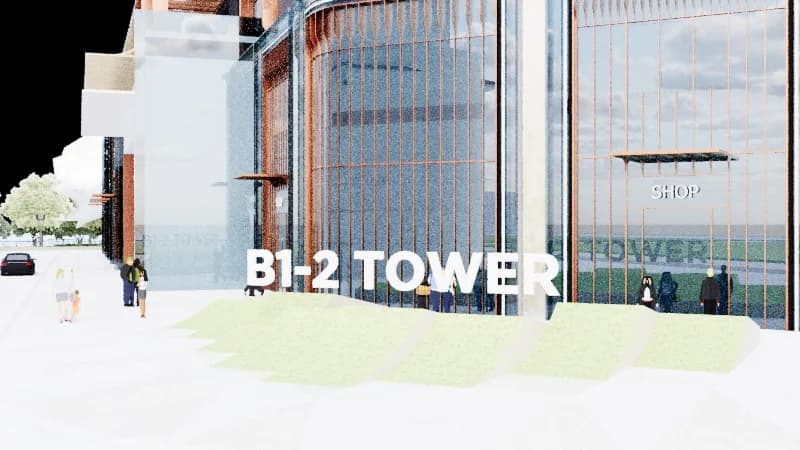
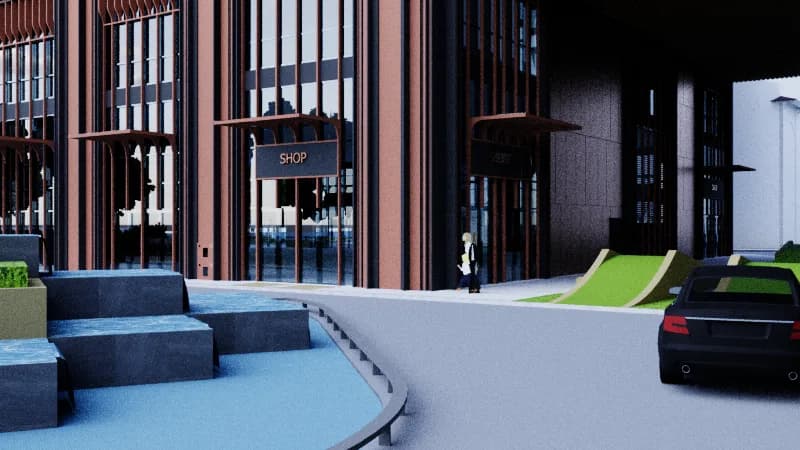
Modeled in SketchUp, synced to 3ds Max, rendered in Corona. No FBX, no reassigning materials.
Which button, when
Full-file Sync
First pass, or when you want a full rebuild.
Update
Later passes — only push what changed, much faster.
Live
Turn on and keep editing in SketchUp; Max rebuilds after ~2s.
Scene Sync
Bring cameras and sun direction from scenes into Max.
Materials by name
Existing names keep your Corona materials; only new names rebuild.
Smart instances
50 identical chairs transfer once; Max instances share one mesh.
What it does not do
- !
No raw CAD dumps
.dwg imports with hundreds of thousands of junk faces are skipped instead of freezing the machine.
- !
Heavy objects skipped
Default cap is 100,000 faces per object. Split first if you need them.
- !
One direction only
SketchUp → 3ds Max today. Edits in Max do not push back to SketchUp.
- !
Windows only
No macOS build yet.
Other Lotuz tools
Lotuz Photoshop
AI tools inside Photoshop
Generate, relight and upscale with AI without leaving your open document. 17 models and 118 prompts built for architecture imagery.
Learn more →Lotuz GIS
Planning maps & terrain in SketchUp
Select a site on the map and get urban massing and terrain ready — place your project in real context instead of modeling by hand.
Learn more →